
Team & settings
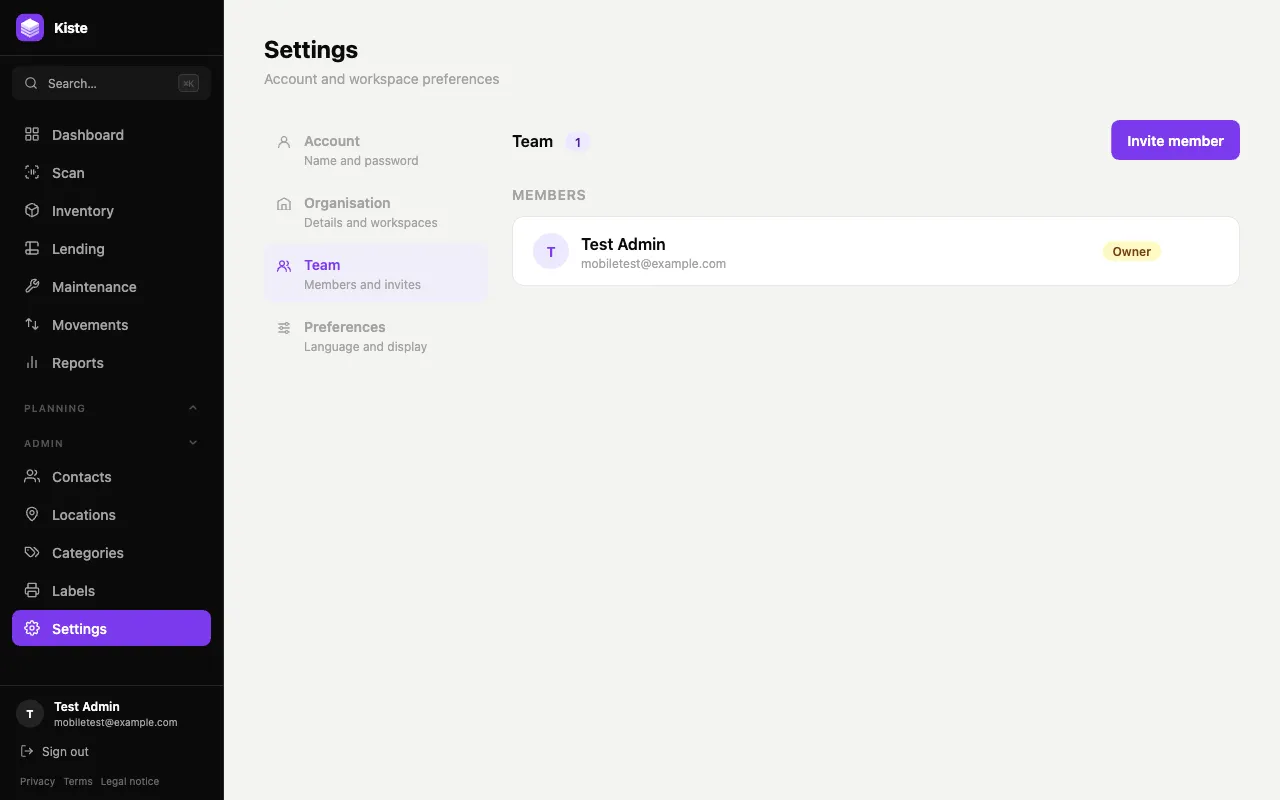
Settings has four tabs: Account, Organisation, Team, and Preferences.
Account
Section titled “Account”Update your display name or change your password here. Your email is shown but isn’t editable from this tab.
Organisation
Section titled “Organisation”Admin-only. Edit your organisation’s name, org email, and tax number; if you belong to more than one organisation, switch your active workspace here too. Admins can also turn on notification settings — automatic overdue-loan reminder emails, and Discord/Slack/Telegram alerts when stock runs low.
Admin-only to manage. Lists current members with their role, and any pending invitations with their status and expiry.
To invite someone: Invite member, enter their email, and pick a role — Admin, Member, or Viewer (see Roles & permissions for what each can do). They’ll receive an invitation to join. Admins can also remove members or cancel a pending invitation from here.
Preferences
Section titled “Preferences”Switch the interface language between English and German. This is a per-person setting, not an organisation-wide one — everyone on your team can pick their own.